
Made from your memories
Canvas prints
From your camera roll to your favourite wall.
Turn a favourite photo into a canvas. Choose your size, adjust the crop and see how it looks before adding it to your cart.
Preview first. Review your order before checkout.
Read the video steps
- Upload a photo from your phone or computer.
- Open Choose size & edit, choose a size and adjust the crop.
- Adjust the photo with the editing controls, then check the product preview.
- Choose the quantity and finish editing.
- When ready, add it to your cart and review it before checkout. The video ends with the sample photo shown on the finished-product preview.
Your photo, made easy — three simple steps
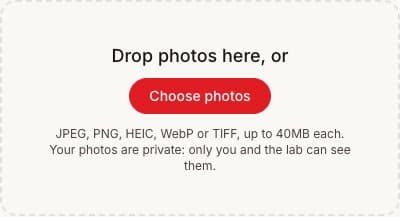
1. Upload your photo
Choose photos from your phone or computer, or drag them into the upload area. You can add more than one.
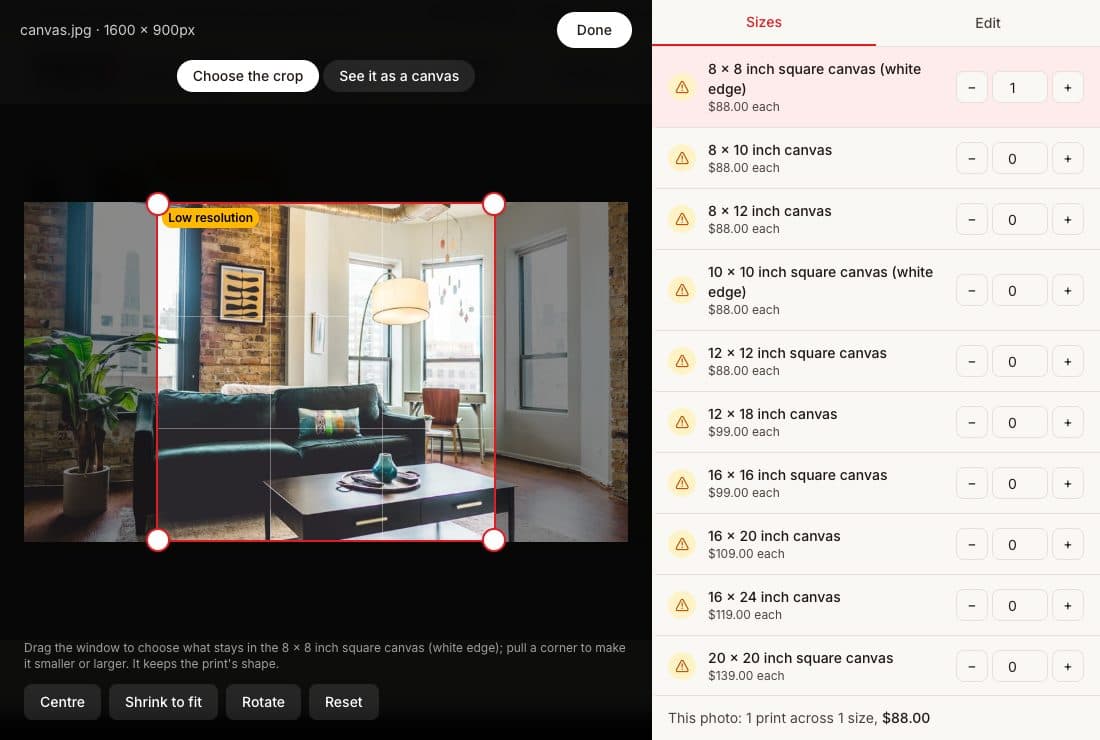 Choose size & crop
2. Choose a size & make it yours
Open “Choose size & edit”. Select a size, drag the crop into place, then use Edit to rotate or adjust your photo. Check the product preview too.
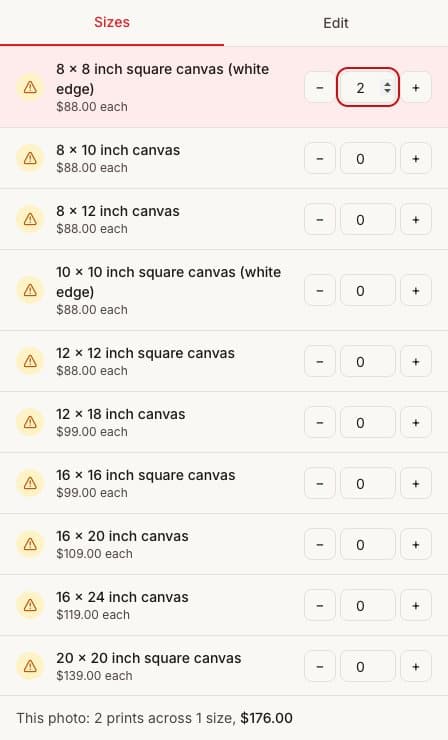
3. Choose how many
Use + and − beside your chosen size to set the copies. Click Done, then add your photos to your cart and review it before checkout.
Canvas is stretched by hand here in Kew East, so it takes longer than our same-day photo prints. We email you the moment yours is ready.
Drop photos here, or
JPEG, PNG, HEIC, WebP or TIFF, up to 40MB each. Your photos are private: only you and the lab can see them.