Made from your memories
Photo prints
Good photos deserve more than a screen.
Bring your memories to life as photo prints. Choose sizes and finishes, fine-tune each photo and order as many copies as you like.
Preview first. Review your order before checkout.
Read the video steps
- Upload a photo from your phone or computer.
- Open Choose size & edit, choose a size and adjust the crop.
- Adjust the photo with the editing controls, then check the product preview.
- Choose the quantity and finish editing.
- When ready, add it to your cart and review it before checkout. The video ends with the sample photo shown on the finished-product preview.
Your photo, made easy — three simple steps
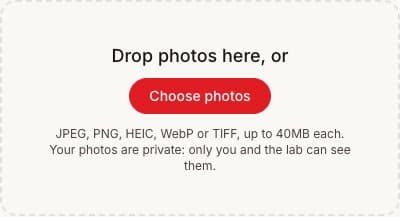
1. Upload your photo
Choose photos from your phone or computer, or drag them into the upload area. You can add more than one.
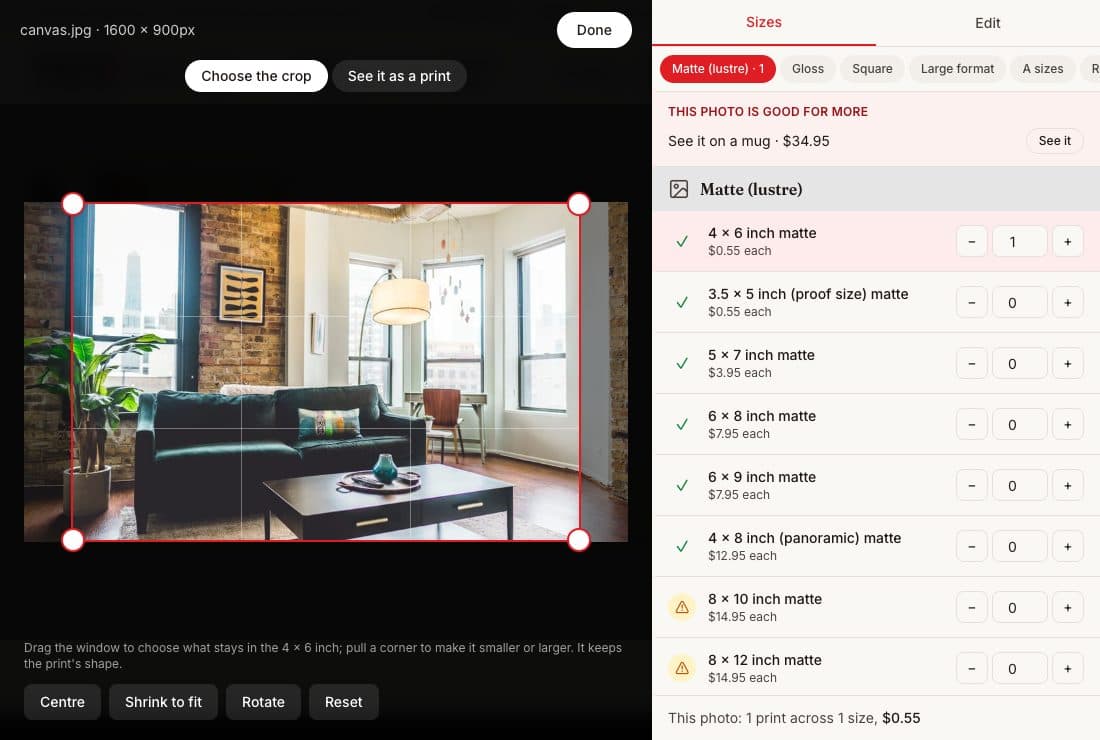 Choose size & crop
2. Choose a size & make it yours
Open “Choose size & edit”. Select a size, drag the crop into place, then use Edit to rotate or adjust your photo. Check the product preview too.
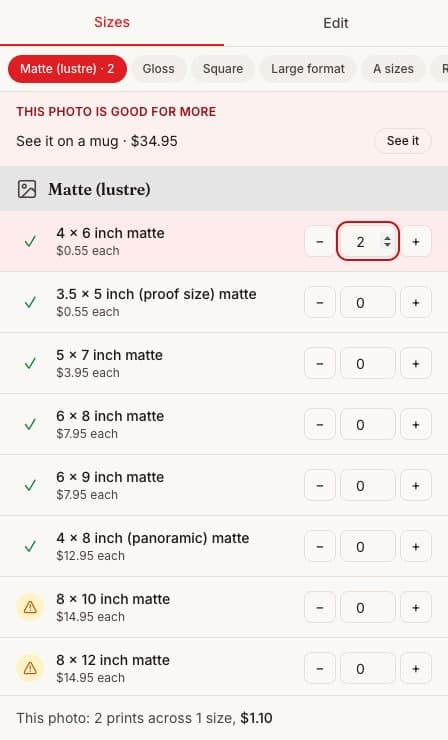
3. Choose how many
Use + and − beside your chosen size to set the copies. Click Done, then add your photos to your cart and review it before checkout.
Same-day printingOrder by 11am tomorrow for same-day collection or Express Post dispatch.
Photo prints and posters. Same-day printing costs nothing extra.
Drop photos here, or
JPEG, PNG, HEIC, WebP or TIFF, up to 40MB each. Your photos are private: only you and the lab can see them.